



An AI email writer can save you real time, but the category includes two very different types of tool. AI email generators write the whole email from a short instruction. AI email assistants work with your own words, turning what you already want to say into clean, professional text. Both are marketed as "AI email writers," yet they solve different problems, and the type you choose affects whether the message that lands in someone's inbox still sounds like you.
This guide explains both approaches in plain terms, shows where each one earns its place, and gives you a checklist for choosing. By the end you will know which kind of AI email writer fits the way you actually work.
Key takeaways
- An AI email writer can either generate a complete draft from a prompt or refine words you already provide.
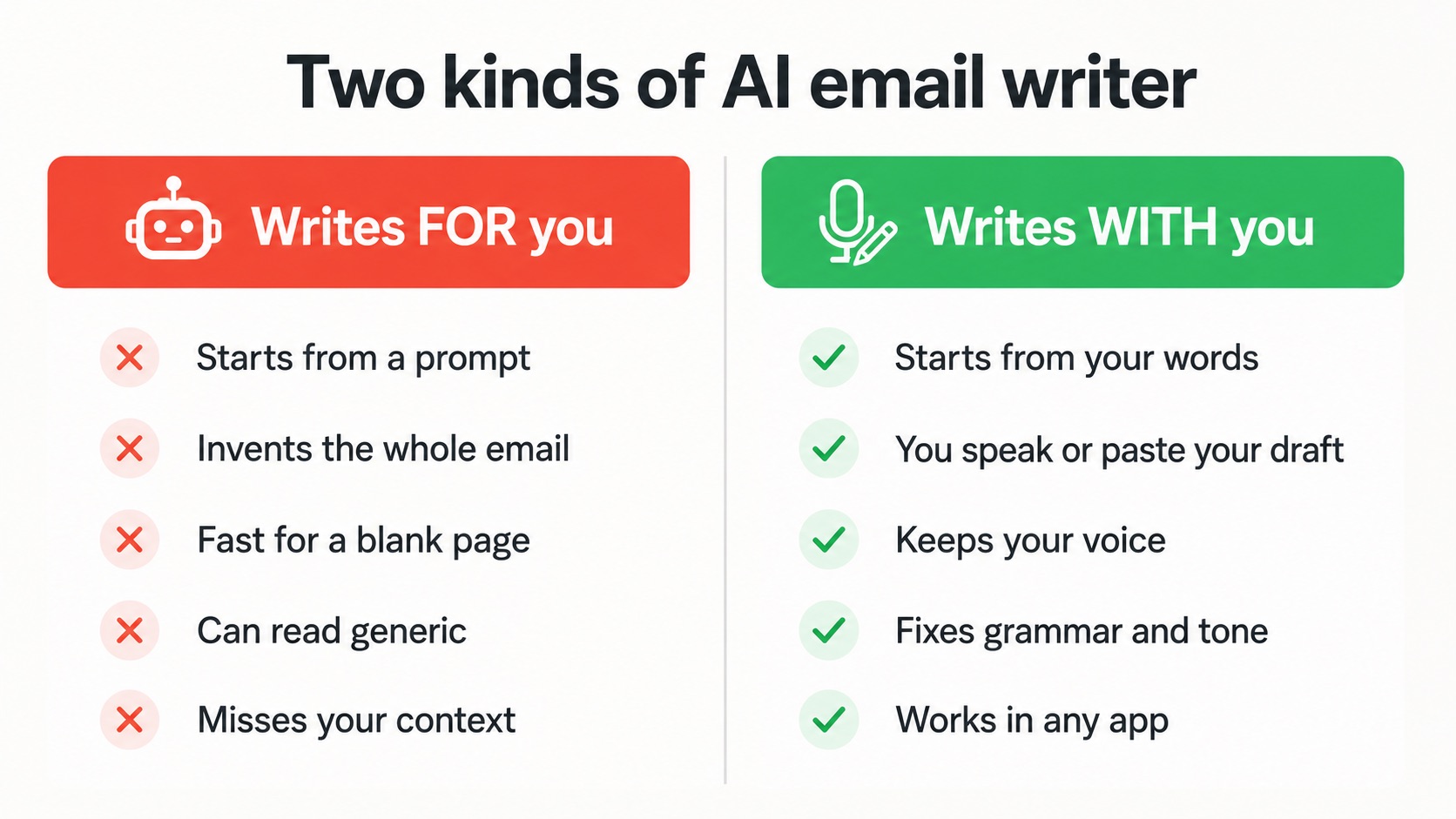
- Generators are useful when you need a starting point; assistants are better suited to preserving your own intent while improving phrasing, grammar, tone, or translation.
- The right choice depends on how you actually write: where the tool works, which languages you use, how much control you want, and where your text is processed.
What is an AI email writer?
An AI email writer is any tool that uses artificial intelligence to help draft, edit, or improve email. In practice, these tools fall into two broad categories. AI email generators start with an instruction and create a draft from scratch. AI email assistants start with content you provide, such as dictated speech or a rough draft, and improve its grammar, tone, structure, length, or language.
Neither approach is inherently better. Generators solve the blank-page problem; assistants are designed for situations where you already know what you want to say and want help expressing it clearly.
How does an AI email generator work, and where does it fall short?
A generator turns a prompt into prose. Behind the scenes it predicts likely wording for the situation you described and assembles a plausible email. For a genuinely blank page, this is useful. When you have no idea how to open a tricky message, a generated draft gives you something to react to, and that beats staring at an empty compose window.
The limits show up once the draft leaves the screen. Because the model is filling in typical phrasing, the result often reads as generic. It does not know the history you share with the recipient, the running joke from your last call, or the one detail that would make the message feel personal. A polished but hollow email is easy to sense, and readers increasingly do sense it. That unease is exactly why people ask whether AI-written messages are obvious, how often the output is wrong, and whether relying on it erodes their own writing.
The other kind: an AI email writer that works with you, not for you
AI email assistants take a different approach: you supply the message and let the AI refine it. ParrotKey applies this approach in two practical ways: dictation and text transformation.
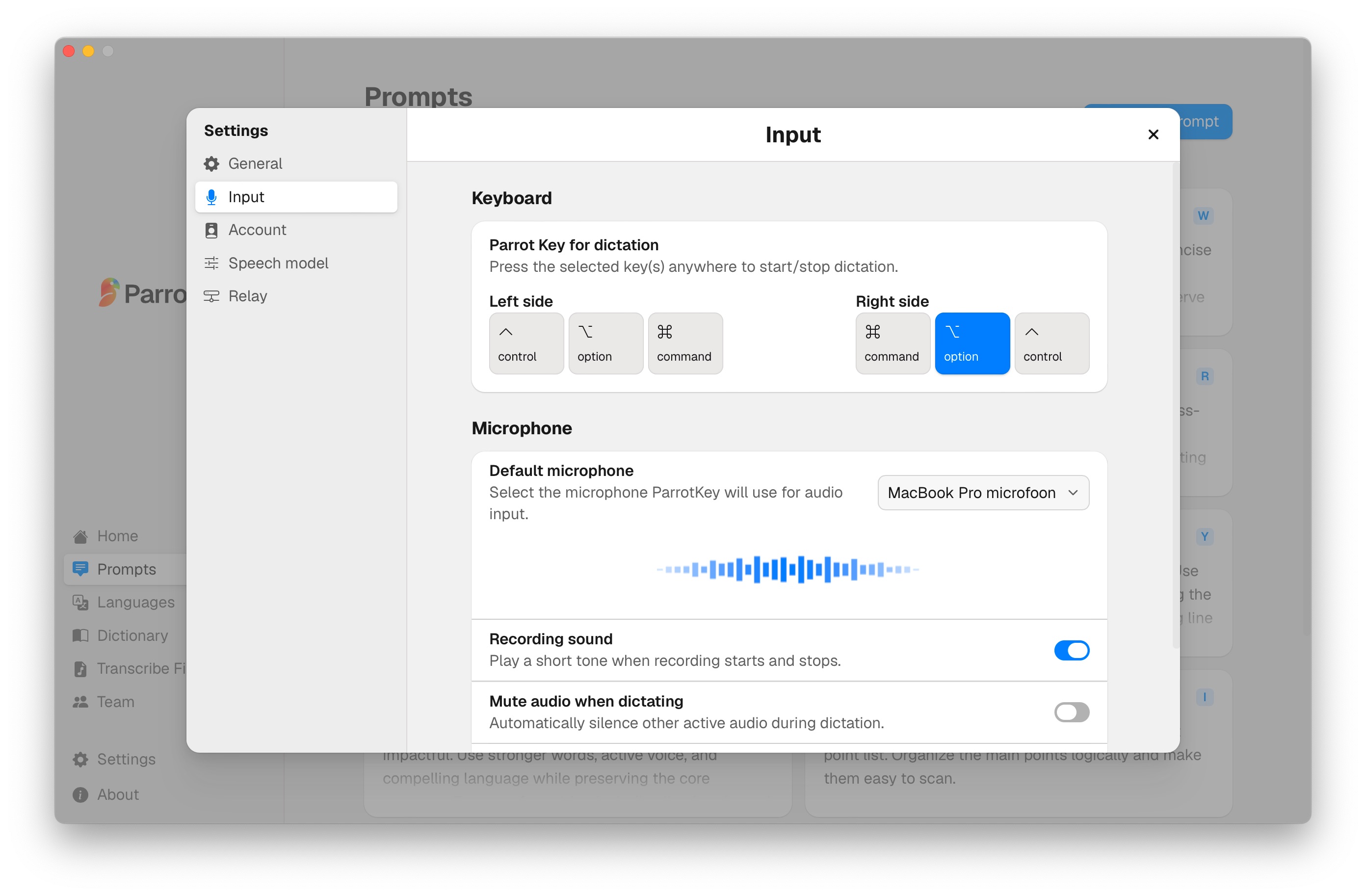
Dictation turns your spoken words into a draft. Press a single hotkey, say what you want to send in your own words, and watch it become clean text on the screen, faster than typing and without the typos. You are not prompting a machine to guess your intent. You are speaking your intent directly, the same way you would if you were talking the message through to a colleague.
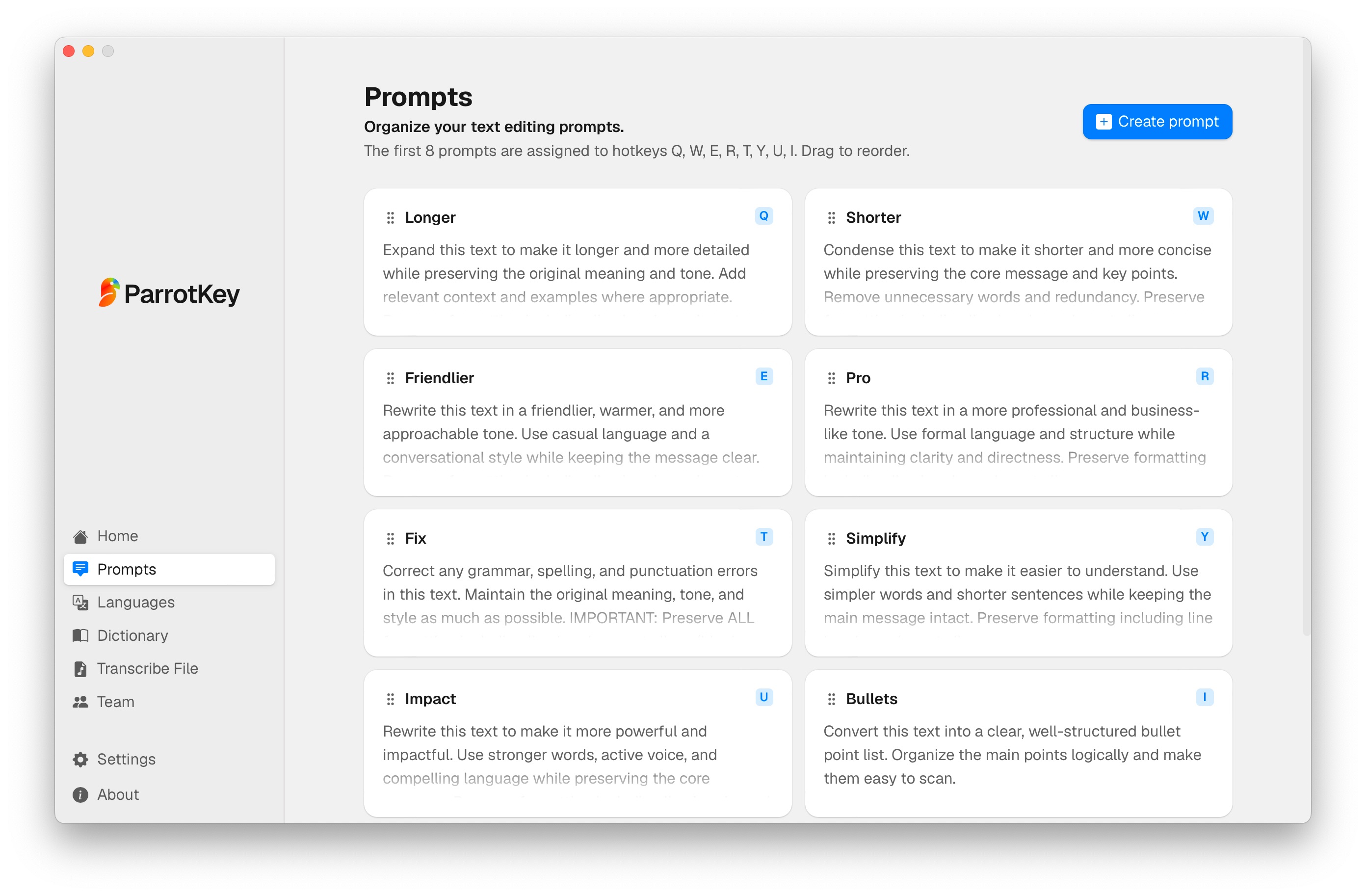
Text transformation refines an existing draft. Take a rough sentence, a blunt first draft, or a paragraph that does not sound quite right, select it, and press the same hotkey to run a command like make it professional, make it friendlier, make it shorter, or rewrite this. The AI text transformation feature reshapes what you wrote while keeping your meaning, so the final email carries your point rather than a stranger's.
An AI email assistant starts with your own words, which helps avoid the "sounds like a robot" problem. Your intent, your context, and your relationship with the reader are already present before the AI touches the text; the tool handles the parts that slow you down, namely phrasing, grammar, tone, and structure. You still wrote the email. You just wrote it in a fraction of the time.
What does AI-assisted email rewriting look like?
Suppose your rough draft says:
"Hi Mark, I still haven't received the numbers. I need them today otherwise I can't finish the report. Can you send them?"
An AI email assistant can keep the request intact while adjusting the tone:
"Hi Mark, I haven't received the figures yet, and I need them today to finish the report. Could you send them over when you get a chance? Thanks."
The important distinction is that the AI did not decide what the email should say. The deadline, request, and context came from the writer; the assistant changed how they were expressed.
Can an AI email writer work in Gmail and Outlook?
Many AI email helpers are plugins tied to one inbox: a Gmail extension that does nothing in Outlook, or an Outlook add-in that ignores Apple Mail. The moment your work spills across a webmail tab, a desktop client, a chat app, and a document, a single-inbox tool leaves you copying and pasting between windows.
A system-wide AI email writer avoids that trap by working in every application at once. Because it lives at the level of your operating system rather than inside one email client, the same hotkey that dictates a Gmail reply also drafts a message in your CRM, cleans up a Slack note, or rewrites a line in a shared document. There is no separate editor to paste into or workflow to learn for each app.
Free vs. paid AI email writers: where is the real difference?
A free AI email writer is usually enough to find out whether the workflow suits you. The important comparison is not simply free versus paid, but which limits apply to the free version: usage allowances, supported features, languages, integrations, and access to more advanced models or editing tools.
| What to check on a free plan | What a paid plan may add | |
|---|---|---|
| Usage | Word, message, or monthly limits | Higher or unlimited usage |
| AI features | Basic drafting or editing | More advanced rewriting or commands |
| Languages | May be restricted | Broader language or translation access |
| Integrations | May be limited | More apps, workflows, or team features |
| Support | Usually self-service | Priority or business support |
The free route works well for the occasional message you would otherwise struggle to start. A paid plan becomes worth considering when the limits of the free version interfere with your actual workload. Compare those limits against how many emails you write and which features you genuinely use before upgrading. For current plans and what each tier includes, see the ParrotKey pricing page.
Writing emails in a language that is not your first
For anyone working in a second or third language, email is where the anxiety concentrates. A three-line message can eat twenty minutes because you keep second-guessing whether the phrasing sounds natural or slightly off. This is a job a generator handles badly, because it does not know what you meant to say; it only knows what a typical email looks like.
For multilingual email, check whether the tool can actually translate between languages rather than merely recognise speech in several languages. With ParrotKey, for example, you can dictate or write in one language and translate the result into another. That lets you compose in the language in which you think most naturally without requiring the recipient to read it. For a wider look at multilingual work, our piece on the multilingual advantage in remote work goes deeper.
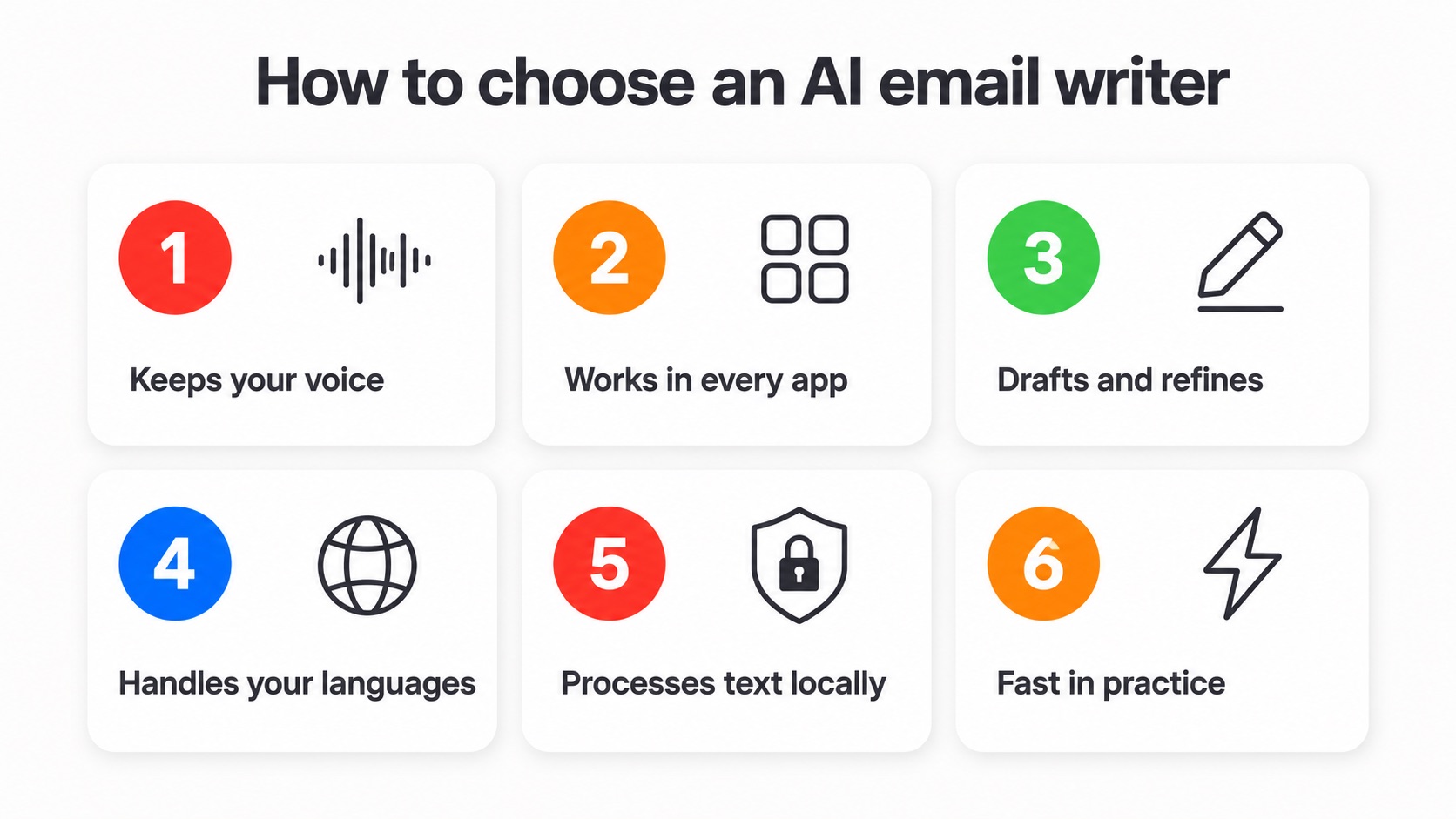
How to choose an AI email writer: a 6-point checklist
Not every tool that calls itself an AI email writer will fit how you work. Run any candidate through these six checks before you commit.
- Does it keep your voice? The best sign of a good email tool is that the finished message still sounds like you wrote it. If the output reads like a template, you will spend your saved time undoing it.
- Does it work in every app? Prefer a tool that runs across Gmail, Outlook, Apple Mail, chat, and documents over one locked to a single inbox. Universal reach is what removes copy-paste from your day.
- Can it both draft and refine? Generating a first draft and improving something you already wrote are different tasks. Check whether the tool supports both workflows or specialises in only one.
- Does it handle your languages? Check both language recognition and translation. A tool may support dictation in many languages without being able to translate between them.
- Where is your text processed? Email can contain sensitive information, so check whether processing happens locally, in the cloud, or through a provider you choose. Read the privacy documentation rather than assuming that "private" means on-device.
- How fast is it in practice? Measure the full workflow rather than the model response alone: opening the tool, entering the instruction, reviewing the result, correcting mistakes, and getting the final text into your email.
The bottom line
The best AI email writer is the one that removes friction from the way you already communicate. Decide first whether you need help generating ideas or refining your own words, then compare app support, languages, privacy, and usage limits.
If your priority is dictating and refining your own message across apps and languages, you can try ParrotKey on the free plan.

 Get started for free