


Dictation software has quietly changed jobs. Two years ago these tools transcribed: you spoke, they typed your words down, and you cleaned up the mess afterwards. The current generation aims to hand you finished text, with filler removed, punctuation in place, and formatting that matches whatever app you happen to be writing in.
The shift from raw transcription to polished writing makes the choice harder, not easier, because nine tools now make roughly the same promise. The differences that survive contact with real work are narrower and more specific: which computers a tool runs on, what it does with languages other than English, and how much is left to do once your words hit the screen. Every figure below was checked against each company's own website and documentation in August 2026.
Key takeaways
- Eight of the nine tools reviewed here now run on both macOS and Windows, leaving Fixkey as the only macOS-only option. Platform still matters, but it is no longer the major dividing line it was earlier in 2026.
- Most tools dictate in many languages, but dictating in a language and translating between languages are different features. Translation is now available in several of these tools, but the workflow varies sharply: some translate directly as you dictate, while others require an edit, agent, or custom mode.
- The clearest split is what happens after the transcript appears: some tools stop at clean text, others carry it forward into grammar correction, rewriting, and translation.
- Free access varies widely: Aqua gives you 1,000 words total, several tools impose weekly limits, while others offer unlimited use of a weaker model or unlimited recordings rather than unlimited premium dictation.
How to read this comparison
Deliberately left out: latency claims and accuracy percentages. Nearly every vendor here claims sub-second response and accuracy in the high nineties, measured with methods none of them publish. Those numbers are unfalsifiable and therefore useless for choosing.
This comparison focuses on system-wide dictation on a desktop computer, the kind where you press a key inside Gmail or Slack or a code editor and your words appear at the cursor. Several of these tools also have iPhone and Android apps, which matters if you write on the move, though mobile dictation is not what this comparison measures. If you are still working out which category of tool you need rather than which specific product, the choosing-a-dictation-app question is a different one from the one answered here.
The best dictation software in 2026, tool by tool
The tools below are ordered by how often people search for them, not by preference. Each entry covers the same ground: what it is, who it suits, where it runs, how it handles languages, what it costs, and where it stops.
Wispr Flow
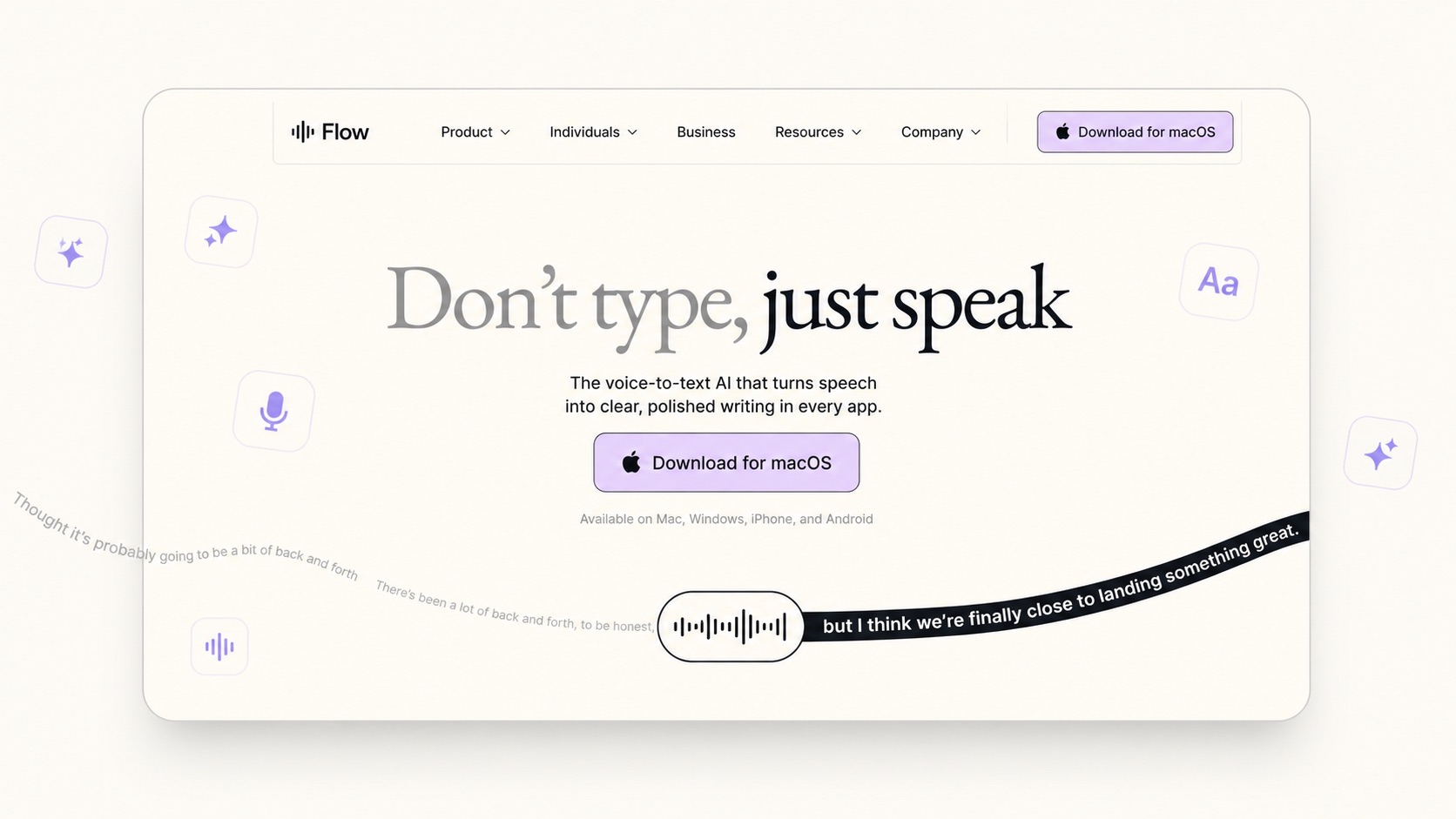
Wispr Flow is the most widely searched dictation tool in the category, and the one most people mean when they say "AI dictation". Wispr Flow runs cloud-first: your audio goes to their servers, comes back as polished text, and lands wherever your cursor is. Wispr Flow's Command Mode lets you hold a shortcut, speak an instruction, and have Flow execute it without typing.
Platforms: macOS, Windows, iPhone, Android Languages: Dictation in 100+ languages Free plan: 2,000 words per week on desktop, 1,000 on iPhone, unlimited on Android Paid: $15 per user per month, or $12 monthly billed annually. No one-time option. Compliance: Compliance: HIPAA compliance is available on all plans after accepting a Business Associate Agreement (BAA); SOC 2 Type II and ISO 27001 are available on business and enterprise plans
Where it stops: There is no offline mode, so no internet means no dictation. And while it dictates in over a hundred languages, it does not translate between them. If you speak Spanish, you get Spanish text.
Superwhisper
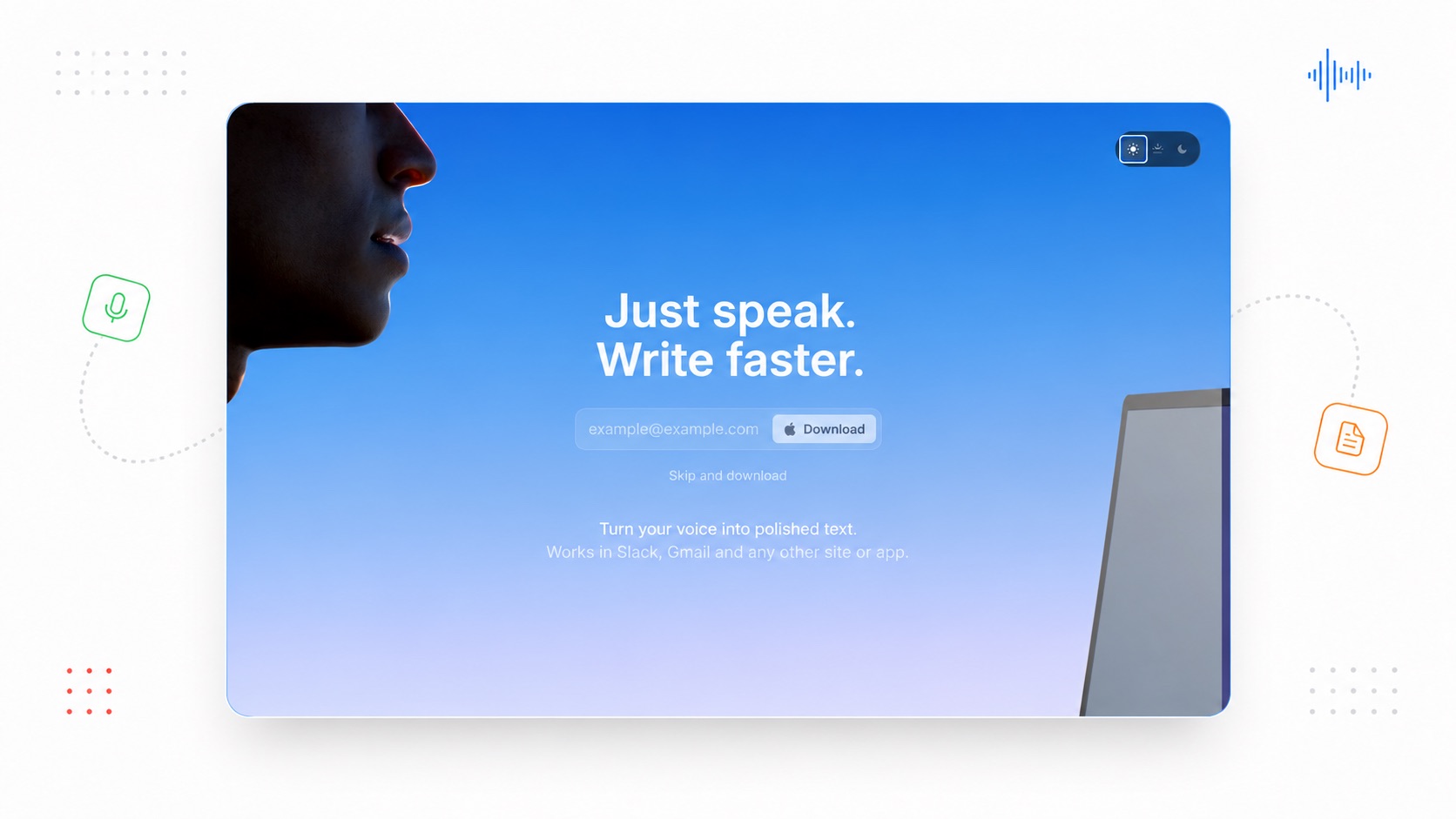
Superwhisper is unusually flexible about where processing happens. You can run speech models locally for offline dictation with audio staying on your device, or choose cloud models for speed and accuracy. It is especially well suited to developer workflows, with modes and integrations aimed at coding tools such as Cursor, Claude Code, Codex, and similar agents.
Platforms: macOS, Windows, iOS Languages: Dictation in 100+ languages. Built-in speech-model translation can translate into English, while Custom Modes can translate dictated or selected text into other languages. Free plan: Voice to text in any app, meeting recording, 100+ languages, unlimited use of small AI models Paid: Pro costs $8.49 per month, $84.99 per year, or $249.99 for a lifetime licence. Enterprise is custom-priced. Compliance: SOC 2 Type II on Enterprise
Where it stops: Superwhisper can translate beyond English, but the workflow is less direct than a dedicated two-way translation feature: translation to English is built into supported speech models, while other target languages are handled through AI processing or Custom Modes. Configuration is also substantial: modes, voice models, language models, and context settings are yours to set up. Power for some, friction for others.
Typeless
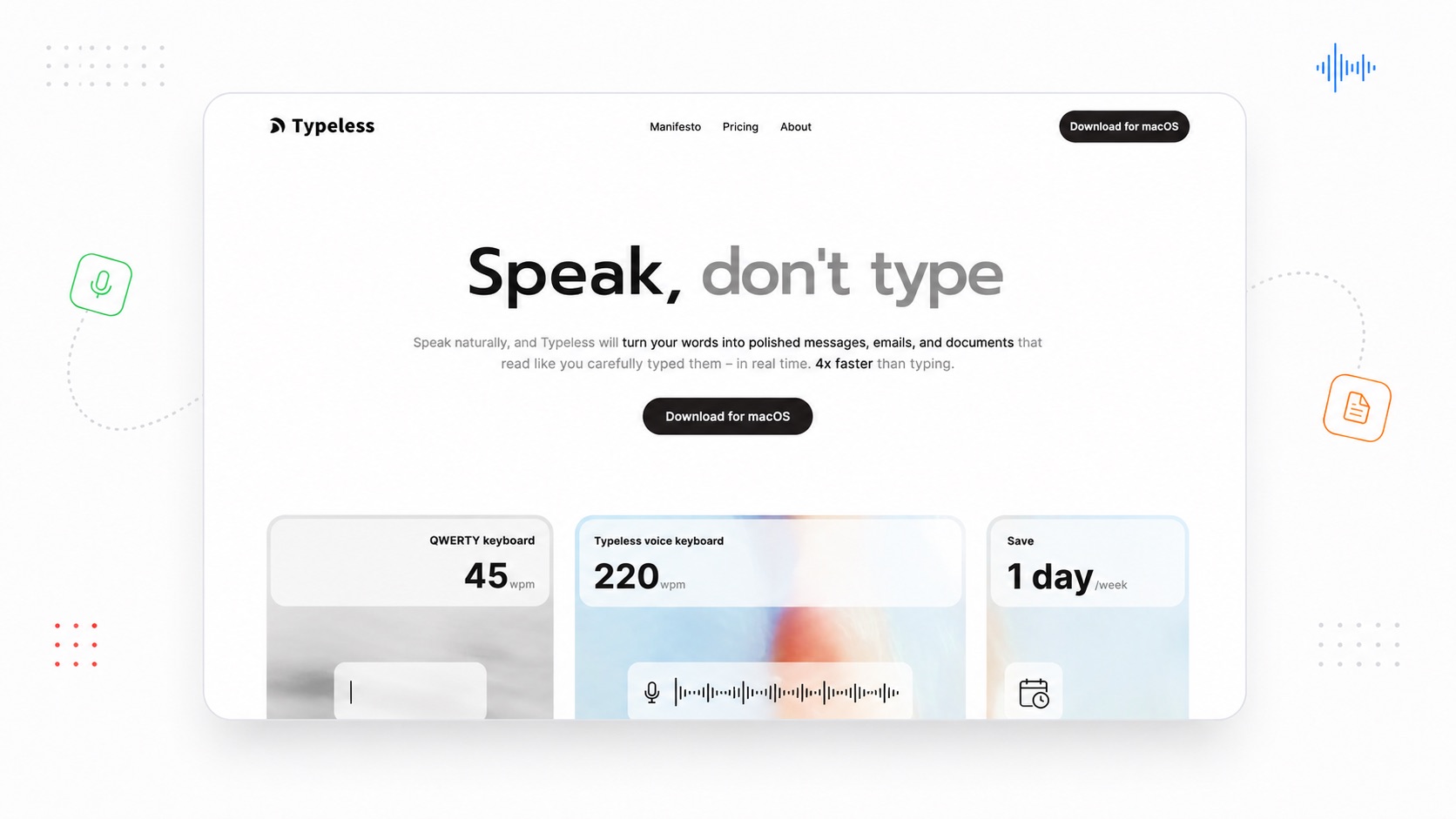
Typeless leans hardest on the language-model side of dictation. Rather than transcribing literally and cleaning up afterwards, it interprets what you meant: it strips filler, drops repetition, and when you correct yourself mid-sentence it keeps only the final version. It translates as you speak, and it lets you select text and issue spoken edits.
Platforms: macOS, Windows, iOS, Android Languages: 100+ supported, with automatic detection and mid-sentence switching. Translates as you speak. Free plan: 8,000 words per week, the most generous free tier in this comparison Paid: Pro at $12 per member per month billed yearly, or $30 monthly Compliance: HIPAA, GDPR, and ISO 27001 compliance; audio and contextual data are processed in real time in the cloud and then discarded, while history stays on-device unless cloud sync is enabled
Where it stops: There is no separate suite of text transforms. Speak-to-edit covers a lot of the same ground, but you are issuing instructions rather than pressing a key for a saved transformation. There is also no offline mode.
Willow Voice
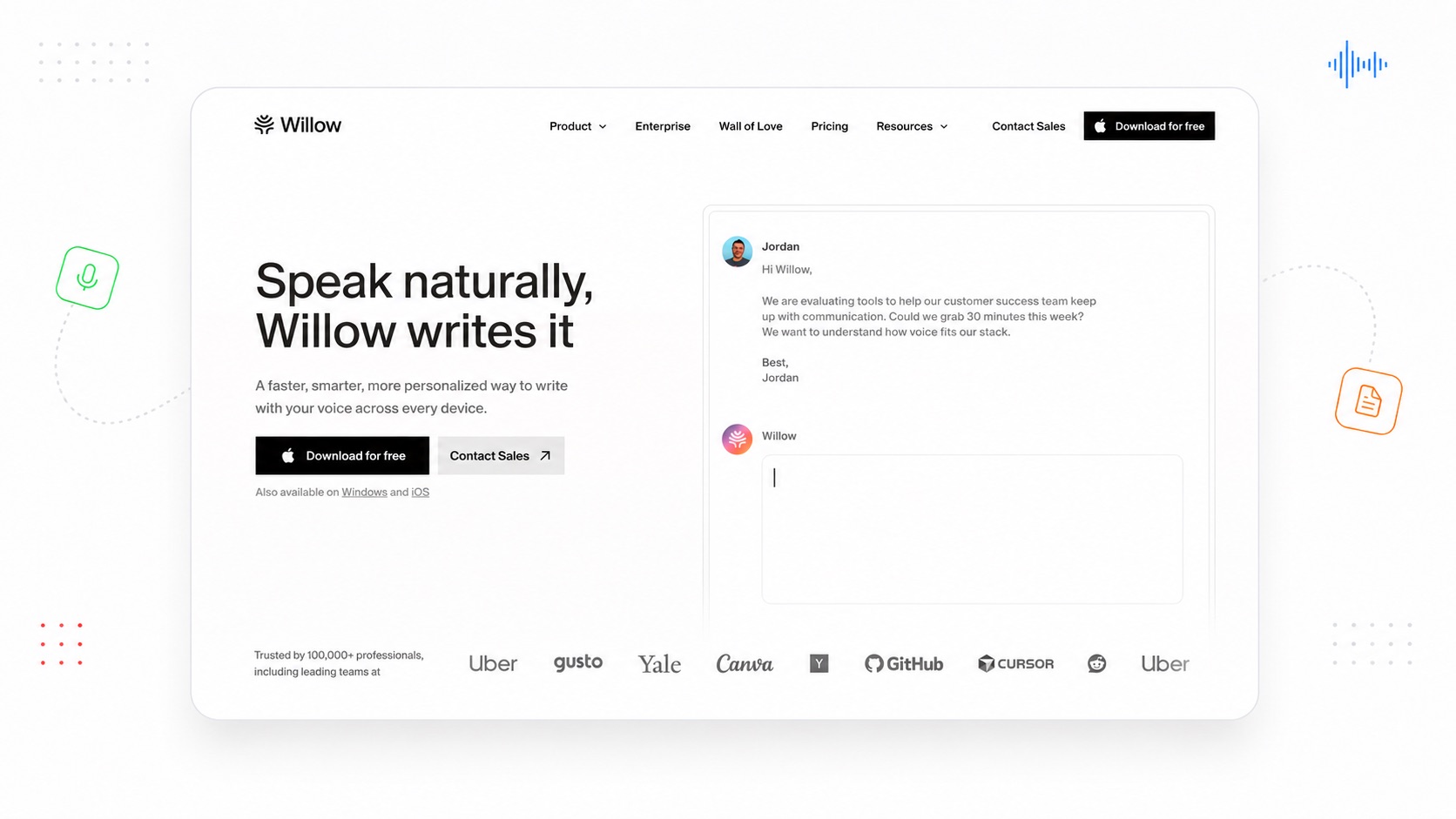
Willow's angle is memory. It learns your writing style over time and adapts tone to the app you are working in, casual in Slack, formal in email. Willow Scribe extends this into generating text from your intent rather than your dictation. It is backed by Y Combinator and carries an unusually strong list of names on its testimonial page.
Platforms: Platforms: macOS, Windows, iOS. Android is listed as coming soon. Languages: 100+ supported for dictation Free plan: Unlimited use of a weaker speech-to-text model, limited personalisation, 20 Scribe uses per week Paid: Pro at $15 per user per month, or $12 annually. Business at $35, or $28 annually. Compliance: SOC 2 Type II, enforced HIPAA, and zero data retention on Business
Where it stops: Willow now covers both macOS and Windows, removing the platform gap that existed earlier in 2026. There is still no dedicated translation feature advertised on Willow's current product pages.
Letterly
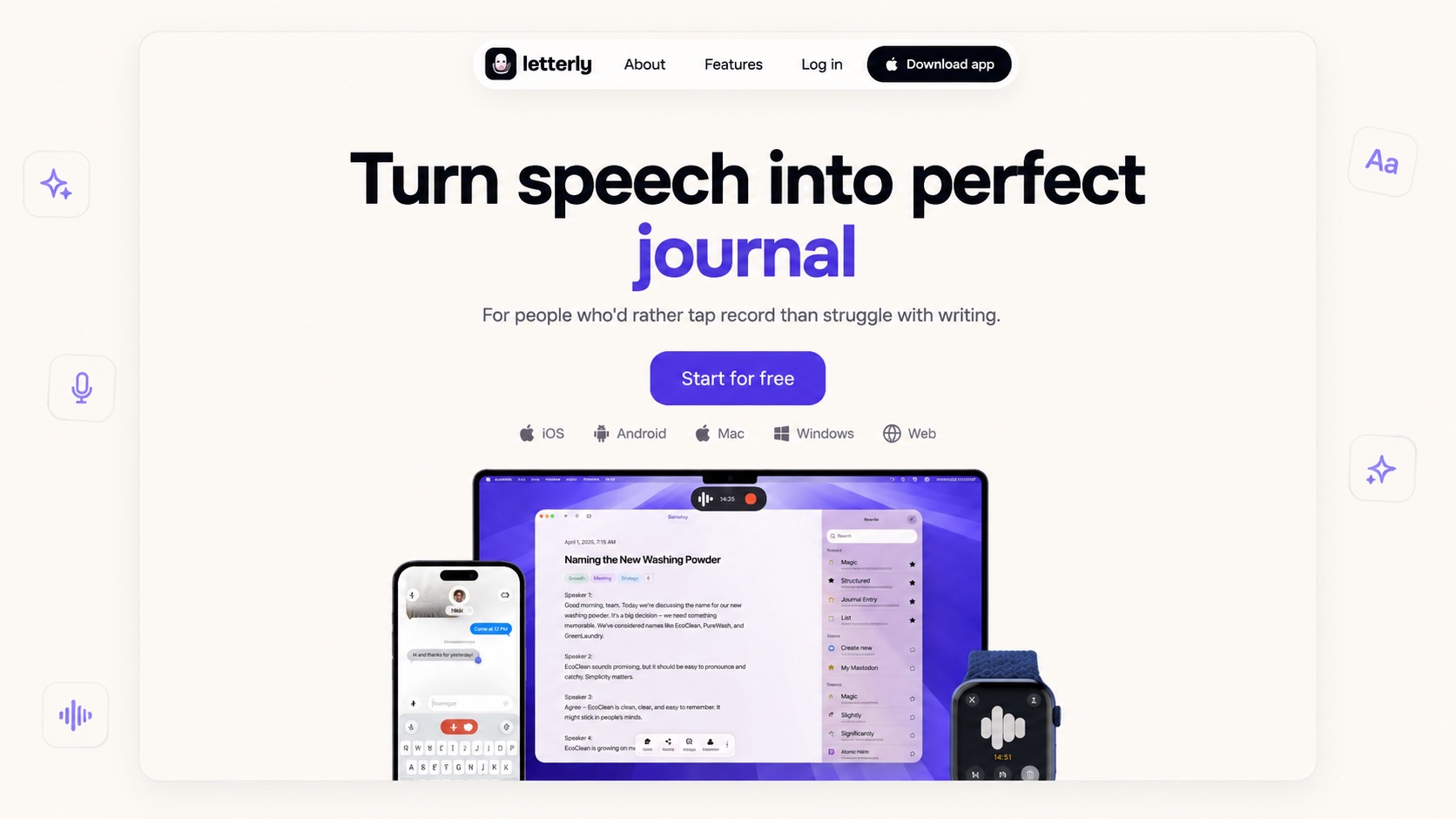
Letterly is the broadest tool here, and the least focused. It does three separate jobs: dictating into any app, recording your own thoughts into the app for later, and recording meetings and turning them into speaker-split transcripts with summaries. Recordings run up to 90 minutes with no cap on how many, and it exposes an MCP server so ChatGPT or Claude can read your notes.
Platforms: macOS, Windows, iOS, Android, Web Languages: 90+ for dictation, with translation of any note into 90+ languages Free plan: No limits on recordings or AI rewrites Paid: Subscription and lifetime purchase options are available through the app stores; pricing varies by region Other: Offline recording, audio and video file transcription, Zapier and webhook integrations
Where it stops: Letterly's centre of gravity is the notes app, not the dictation. That is a strength if you want meetings and notes and dictation in one place, and a distraction if you want a tool that does one job and stays out of the way.
Aqua Voice
Aqua Voice is built for technical dictation. Its Avalon speech model is optimized for human-computer interaction and performs particularly strongly on coding and AI terminology, while Aqua's separate Deep Context feature uses on-screen context to improve names, jargon, and casing. It also adapts output to the app you are working in, making it a natural fit for developers dictating into tools such as Cursor and VS Code.
Platforms: macOS, Windows, iOS Languages: 49, the narrowest range in this comparison Free plan: Starter with 1,000 words total, not per week Paid: Pro at $8 per month billed annually, Max at $24 per month billed annually, and Team at $12 per user per month billed annually. Business is custom-priced. Other: 70% student discount with a .edu address; Zero Data Retention on Enterprise
Where it stops: The free tier is an evaluation window, not a usable plan; 1,000 words is roughly one long email. Language coverage is about half of what most competitors offer.
ParrotKey
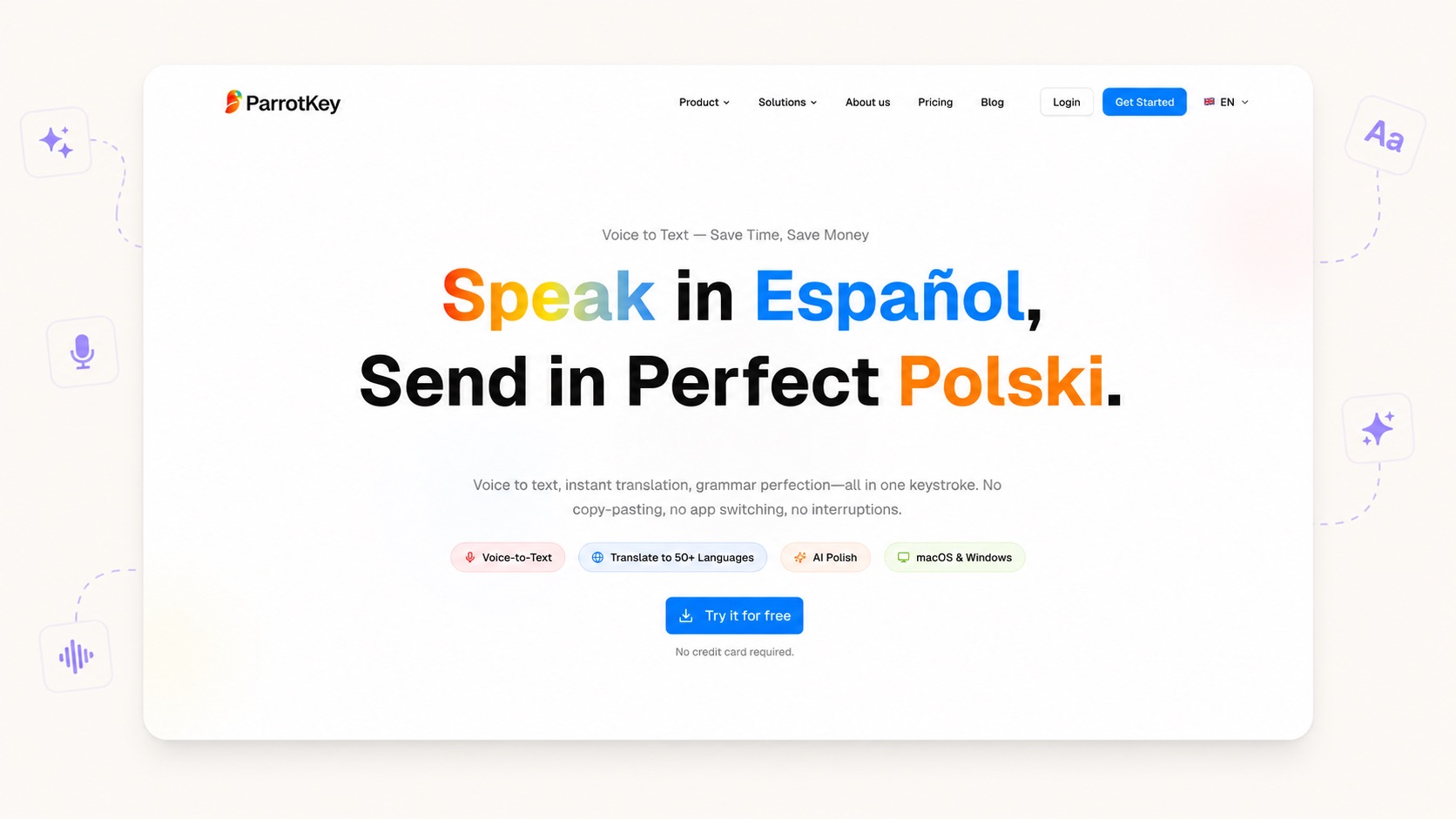
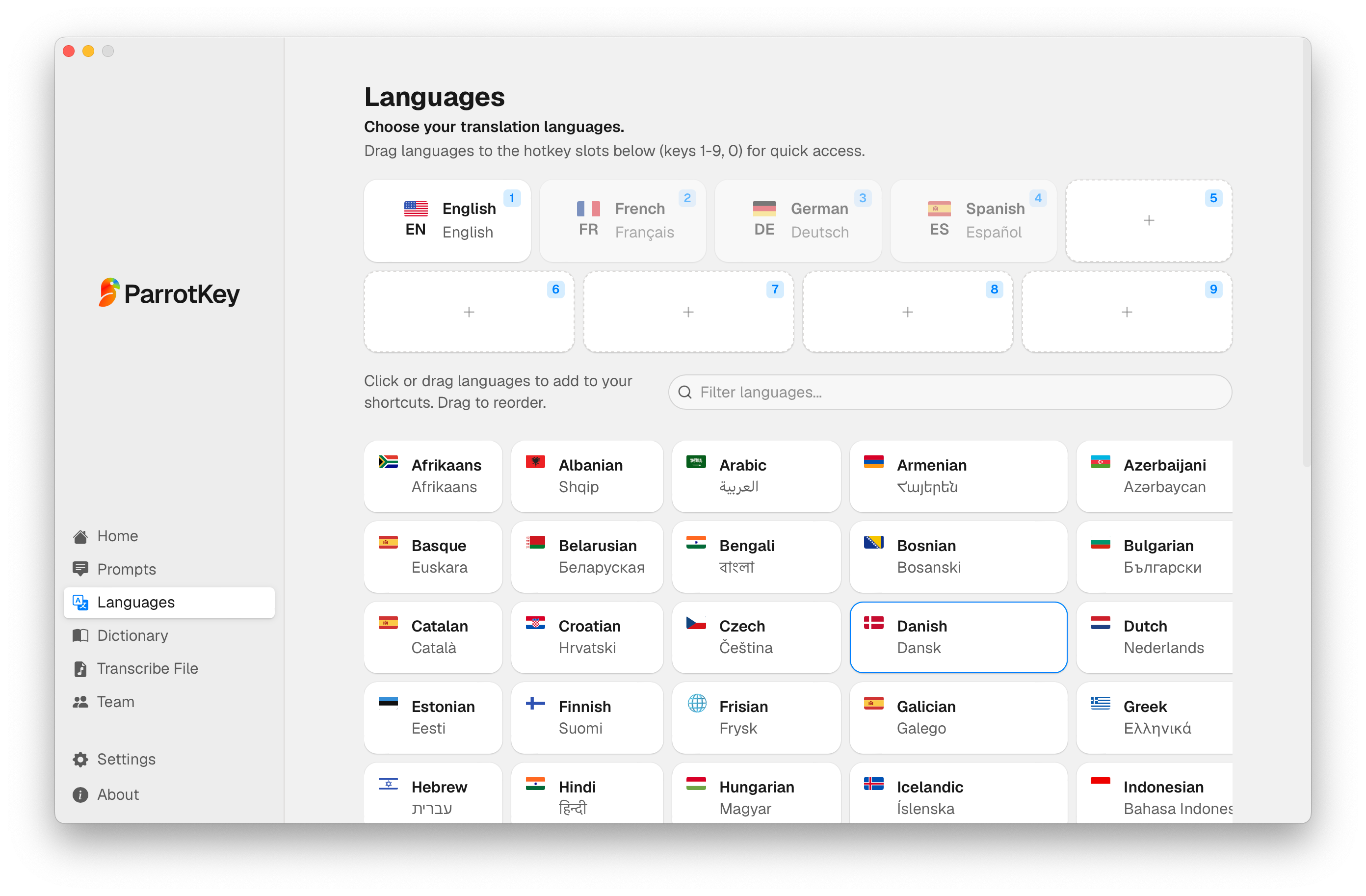
ParrotKey is built around what happens after you stop speaking. Dictation is one of four functions rather than the whole product: alongside it sit translation across 50+ languages in both directions, one-key grammar correction, and a set of text transforms that reshape tone and length. All four work system-wide, in any app, on both macOS and Windows.
Platforms: macOS, Windows Languages: 50+, translating to and from, not only into English Free plan: Permanently free tier with a weekly word allowance, basic grammar checking, and three languages Paid: Pro, plus a one-time Own It Forever option. See ParrotKey pricing for current tiers. Other: Built-in file transcription for existing audio and video; GDPR compliant; built in the Netherlands
Where it stops: ParrotKey is a desktop tool, with no mobile app, and it does not record meetings the way Letterly or Superwhisper do. Language coverage sits at 50+ rather than the 100+ several competitors advertise, though those numbers measure different things: most count languages you can dictate in, while ParrotKey's 50+ counts language pairs you can translate between in either direction.
The AI translation tool and the AI text transformation features are where the design differs most from the rest of this list, and where the tool earns its place for anyone writing across languages.
Glaido
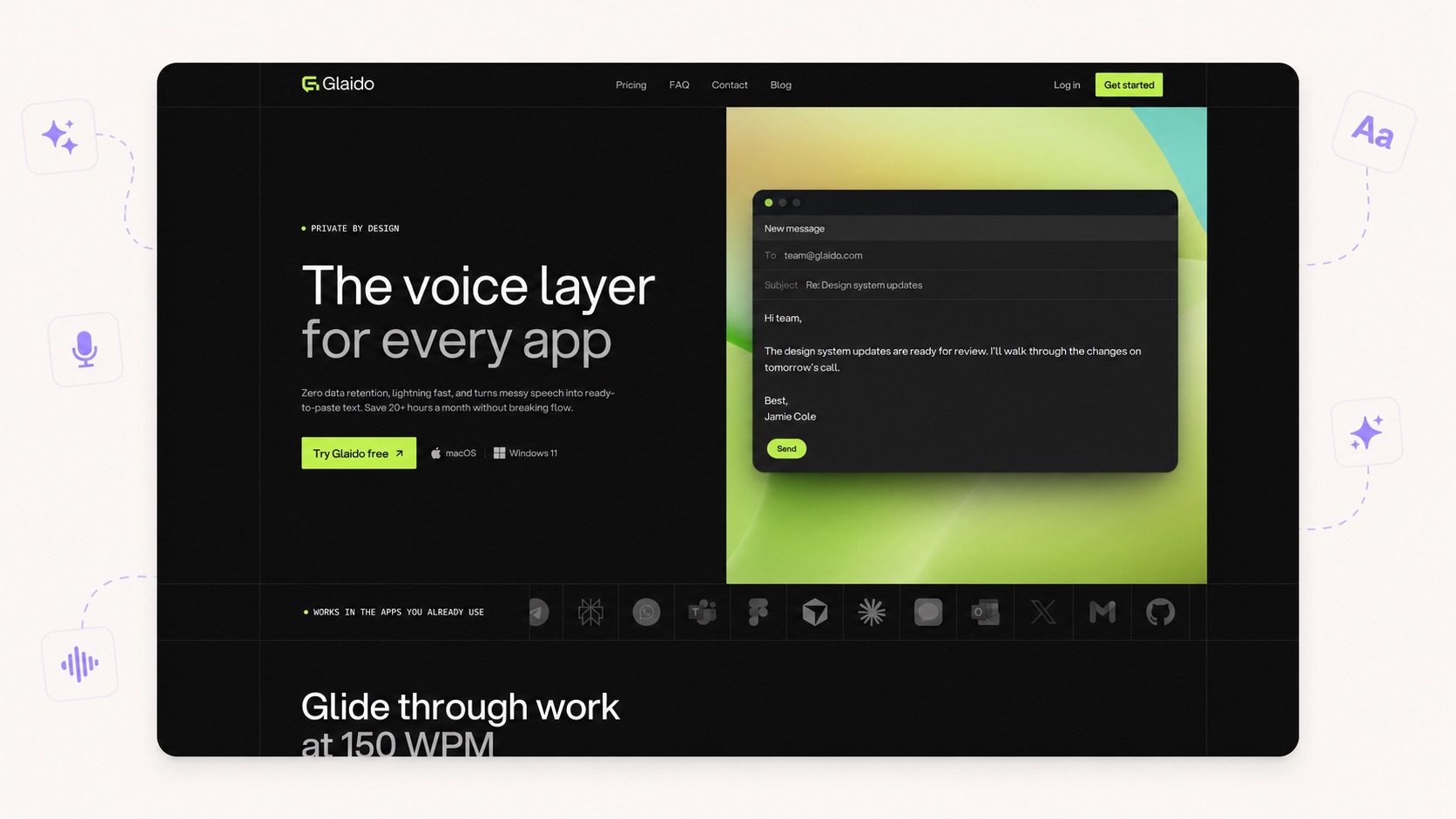
Glaido calls itself the world's fastest dictation tool and builds everything around that claim. It reads the app you are in, the text around your cursor, and the kind of content you are producing, then formats to match. Agent mode extends it into AI-assisted workflows. Launched in April 2026 and growing fast.
Platforms: macOS, Windows 11 Languages: 100 for dictation, according to Glaido's current homepage Free plan: 2,000 words per week, use in any app, AI auto-edits, agent mode, local storage Paid: Pro at $17 per month billed annually; Enterprise is custom-priced
Where it stops: Windows support currently requires Windows 11, and translation is handled through Agent Mode rather than as a direct speak-one-language, output-another-language dictation flow.
Fixkey
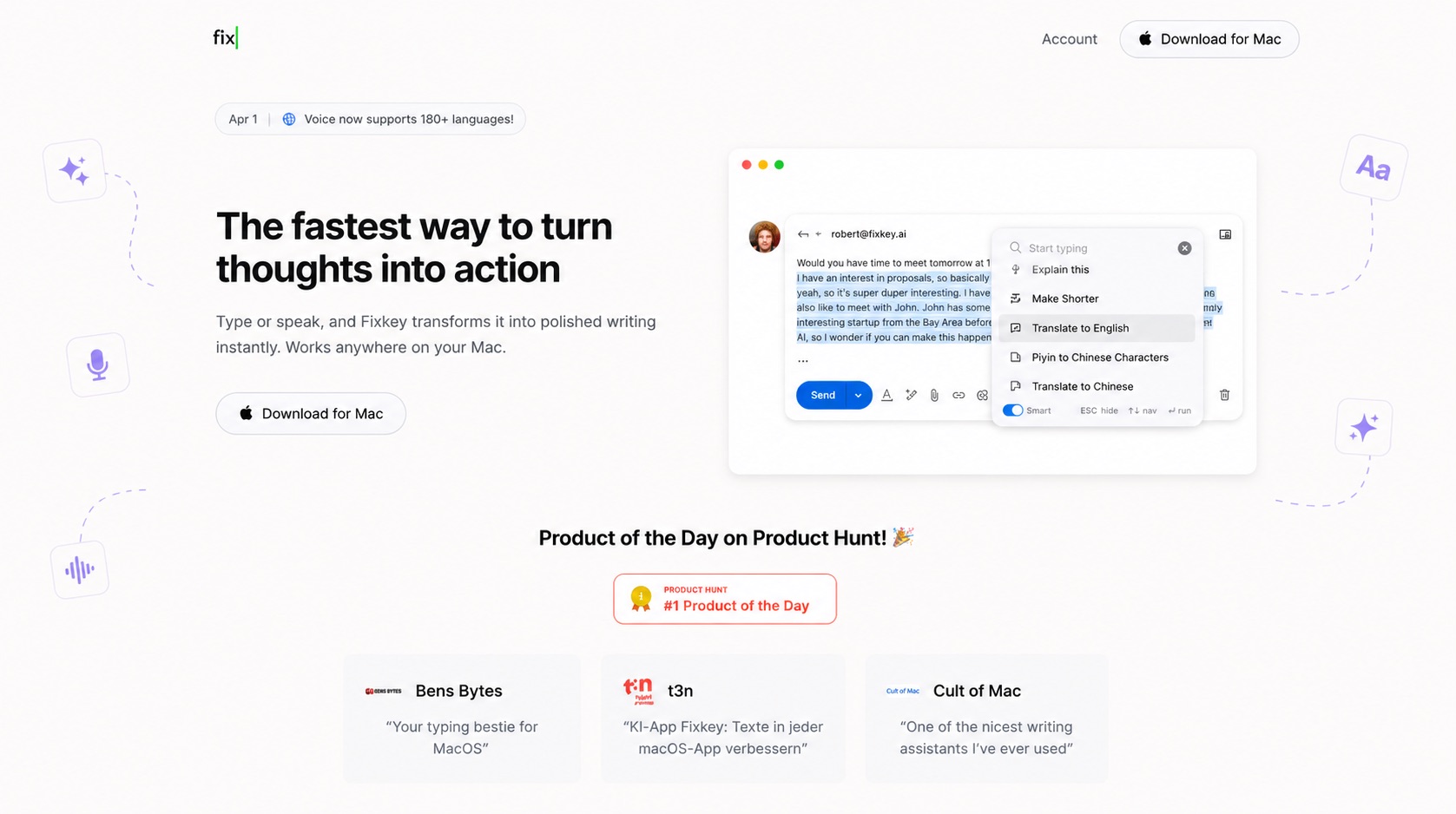
Fixkey is the closest thing to ParrotKey's proposition on this list, built in Europe and aimed squarely at people writing in a language that is not their first. It combines dictation, instant translation across 180+ languages, one-shortcut grammar fixes, and custom prompts, all working natively across macOS apps. Sub-200ms response.
Platforms: macOS only Languages: 180+ for translation, the widest range here Free plan: No permanent free tier; 14-day free trial with no credit card required Paid: $48 per year, the cheapest subscription in this comparison
Where it stops: macOS only. For a tool built around helping non-native speakers write professionally, that rules out a large share of the people who need it most, since Windows still runs the majority of business desktops.
Apple Dictation and Windows Voice Typing
Apple Dictation and Windows Voice Typing are worth mentioning because both are free, built in, and genuinely fine for short messages. On macOS, whether Dictation is processed on-device depends on the language and configuration; Apple tells you in Keyboard settings whether your current setup sends voice input to its servers. Dictation can run for any length but stops automatically after 30 seconds without speech. Windows Voice Typing launches with Windows + H and supports automatic punctuation; on Copilot+ PCs, Fluid Dictation can also correct grammar, punctuation, spelling, and filler words using on-device models.
Both remain tied to their respective operating systems, and their capabilities vary by language and hardware. Windows also has the separate Voice Access feature, which works offline and supports custom vocabulary; macOS offers custom vocabulary through Voice Control rather than basic Dictation. These built-in tools are a reasonable starting point, but they are not directly equivalent to the system-wide AI writing suites compared above. Our take on Apple Dictation alternatives covers where the built-in Mac tool runs out of road.
Which dictation software is best for your situation?
Features only matter in context. Here is how the strongest options differ by use case.
Best for writing in more than one language
ParrotKey, on the specific combination of cross-platform support and two-way translation.
The reasoning is narrower than a simple yes-or-no translation comparison. Fixkey advertises translation across 180+ languages but runs only on macOS. Letterly translates notes into 90+ languages and runs across desktop, mobile, and web, but its centre of gravity is notes and meetings. Typeless can translate as you speak and runs cross-platform. Superwhisper can translate to English through supported speech models and to other languages through Custom Modes. Glaido can translate through Agent Mode, while Aqua can translate selected text through Edit Mode. Wispr Flow and Willow do not advertise a comparable dedicated translation workflow. ParrotKey's distinction is that two-way translation sits alongside dictation, grammar correction, and text transforms as a core system-wide workflow on both macOS and Windows.
If you regularly move between languages on both Windows and macOS, the question is not simply whether a tool can translate, but how many steps the translation takes and whether the same workflow also handles grammar and rewriting. That is the gap ParrotKey is designed around.
Best for developers and agentic coding
Superwhisper, with Aqua Voice a close second.
Superwhisper has one of the strongest developer-focused workflows in this comparison, with support around Cursor, Claude Code, Codex, and other agentic tools, plus the option to keep speech recognition on-device with local models. If you choose cloud speech or language models, some processing happens remotely. Aqua takes a different approach: its Avalon model is optimized for technical and coding-related speech, while Deep Context uses on-screen information to improve names, jargon, and casing.
Best for Windows users
The choice now depends more on workflow than availability.
Eight of the nine tools in this comparison support Windows; Fixkey is the only macOS-only option. Wispr Flow is the cloud-first generalist, Typeless combines a large free allowance with AI cleanup and translation, Glaido adds Windows 11 support with Agent Mode, Aqua targets technical dictation, Letterly combines dictation with notes and meetings, Willow focuses on personalized writing, Superwhisper offers both local and cloud processing, and ParrotKey combines dictation with translation and text transforms.
Best for meeting notes
Letterly, comfortably.
Letterly supports recordings up to 90 minutes, unlimited recordings, speaker separation, automatic summaries, and audio and video uploads. It is built around capturing meetings and turning them into structured notes rather than relying on a meeting bot or native Zoom, Meet, or Teams integration. Superwhisper also supports meeting recording and transcription. If meetings are the main job rather than a side one, Letterly is built for it in a way the pure dictation tools are not.
Best free plan
Typeless, at 8,000 words per week.
Typeless gives you enough weekly volume to test the product in real work rather than treating the free tier as a short demo. Other tools either impose lower limits, restrict features, or offer a trial instead of a permanent free plan.
Best one-time purchase
Superwhisper or Letterly, depending on the workflow.
Superwhisper offers a $249.99 lifetime Pro licence alongside monthly and annual plans. Letterly also sells a lifetime purchase through its app stores, so Superwhisper is not the only one-time option in this comparison. ParrotKey lists an Own It Forever tier, but the purchase option is still marked coming soon at the time of writing.
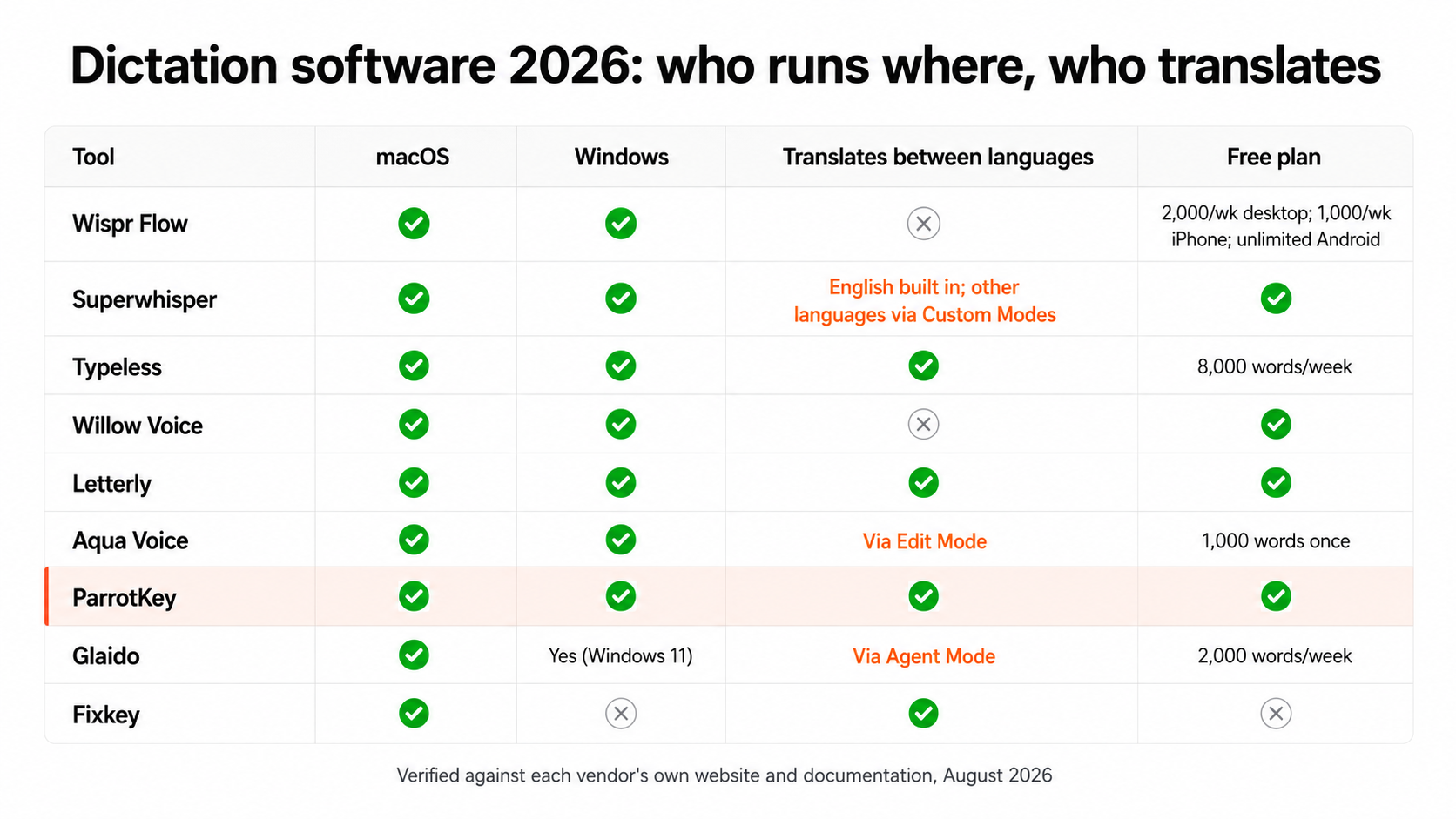
Dictation software compared: the full table
| Tool | macOS | Windows | Translation between languages | Grammar correction | Text transforms |
|---|---|---|---|---|---|
| Wispr Flow | Yes | Yes | No | Auto-edit | Command Mode |
| Superwhisper | Yes | Yes | English built in; other languages via Custom Modes | Via custom mode | Custom prompts |
| Typeless | Yes | Yes | Yes | Auto-edit | Speak-to-edit |
| Willow Voice | Yes | Yes | No dedicated translation feature | Smart correct | Scribe |
| Letterly | Yes | Yes | 90+ languages | Automatic | Rewrite styles |
| Aqua Voice | Yes | Yes | Via Edit Mode | Yes | Spoken instructions |
| ParrotKey | Yes | Yes | 50+, both directions | Core function | Built in |
| Glaido | Yes | Yes (Windows 11) | Via Agent Mode | Auto-edit | Agent Mode |
| Fixkey | Yes | No | 180+ languages | Yes | Custom prompts |
All figures verified against each vendor's own website and documentation, August 2026. Pricing and features change; check the source before buying.
So which one should you pick?
Once platform compatibility is settled, choose on workflow rather than headline feature counts. If you only need clean text at the cursor, price, speed, and feel matter most. If translation, grammar correction, or rewriting are part of your daily work, look closely at how those functions are integrated rather than whether they merely appear somewhere on the feature list.
Then test the shortlist with your own voice, apps, vocabulary, and languages. A free tier is most useful when it gives you enough real usage to expose the friction before you pay.
If multilingual writing and post-dictation editing are central to your workflow, ParrotKey is designed around that combination. The permanent free plan lets you test it against your own writing before deciding: download ParrotKey.

 Get started for free