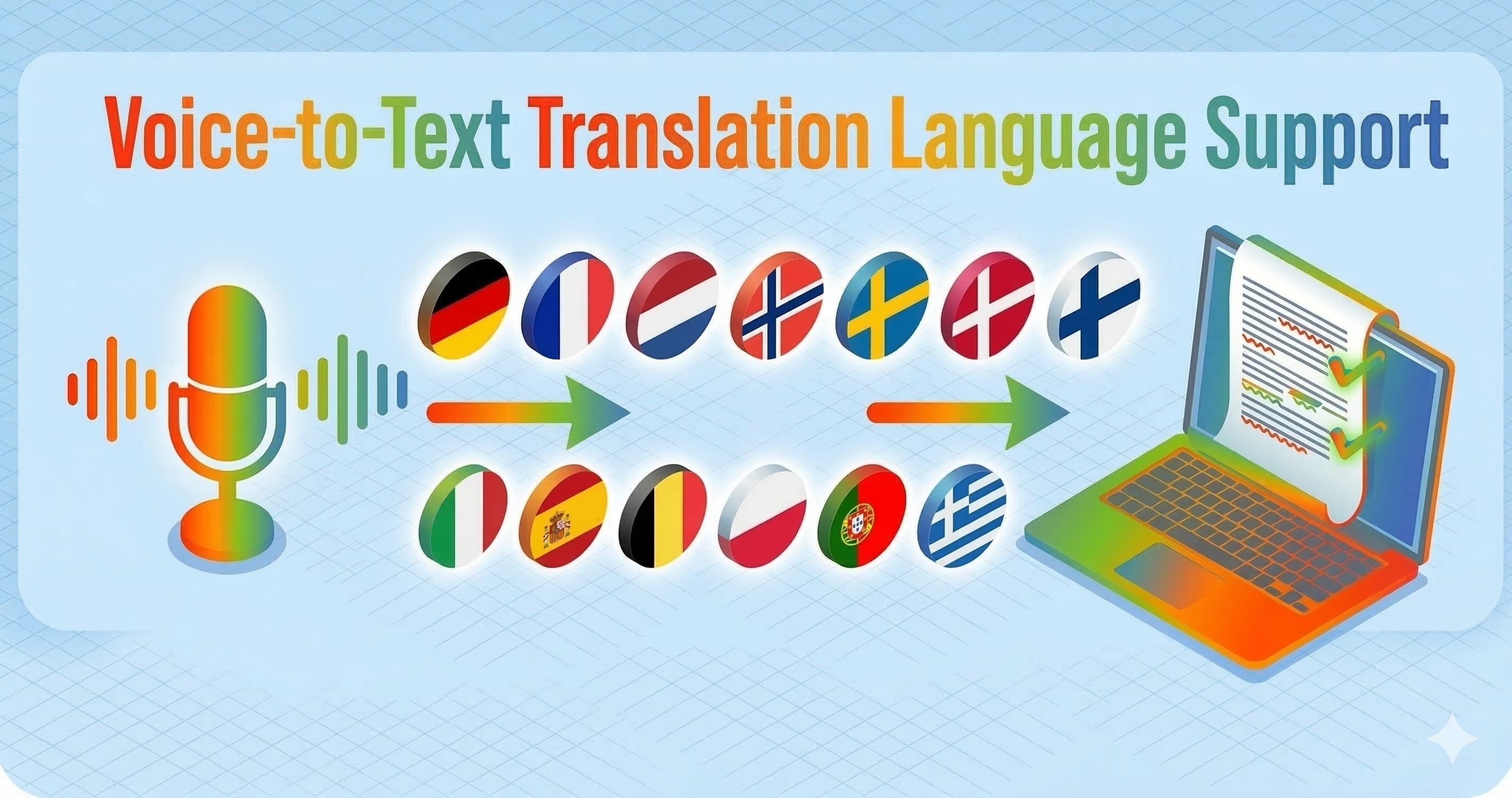


You know that moment where you open a support queue and see English, French, Spanish, and something that looks like Polish all in the first five tickets? Then someone pings you on Slack in German while you are mid-call in Dutch. That is when "Does this tool actually support my languages?" stops being a theoretical question. These are the things that worldwide support teams are struggling with every day.
If you are looking to buy a voice-to-text translation tool that supports multiple languages, this guide explains how ParrotKey handles more than 50 languages including European, Asian, Middle Eastern, and African languages. We will stay close to the situations you deal with every day, explain what "50+ languages" means in practice, and point out where you might want to run a quick test before rolling something out to a whole team.
How many languages does ParrotKey support
ParrotKey supports voice dictation and translation in the 50+ most common spoken languages on macOS and Windows. This language catalogue is available for both transcription and translation, with voice dictation accuracy measured at 99.9% across those languages in internal testing. ParrotKey works system-wide, so wherever you can type, you can dictate and translate.
If you want the summary for buying decisions:
- Voice dictation: Speak in your own language and get text in the same language.
- Real-time translation: Dictate in one language and send text in another in a single step.
- Grammar and rewriting: Clean up and adapt text in those languages using the grammar and transform tools.
On Mac, the everyday flow is:
- Hold the Option key.
- Speak in your source language.
- Press a number (1–0) for your favourite target language.
- Release the key and your translated text appears where your cursor was.
ParrotKey ships with all needed translation pairs that reflects what many European and other worldwide support teams handle daily: English, Dutch, German, French, Spanish, Japanese, Chinese, Korean, Portuguese, and Italian. Behind that, the full selector gives you 50+ additional options when you need something more niche.
The most important thing to know is that ParrotKey can handle a multilingual support inbox with real-time translation in dozens of languages. The rest of this article is for when you want to understand how that coverage behaves across regions and use cases.
At a glance table language coverage by region and use case
This table is not an exhaustive language list. Instead, it shows how ParrotKey's 50+ languages line up with the kinds of work you are likely to do.
| Region or language group | Example input languages you might speak | Voice dictation in ParrotKey | One-step translation directions you can use | Good fit for |
|---|---|---|---|---|
| Western Europe | English, Dutch, German, French, Spanish, Italian, Portuguese | Strong coverage, tuned for business communication | Inbound and outbound between all listed languages plus English | Day-to-day tickets, email, and chat with European customers |
| Northern Europe & Nordics | Scandinavian languages such as Danish, Swedish, Norwegian, Finnish, Icelandic | Covered in the 50+ list; accuracy depends slightly on accent and audio quality | Often into English, German, Dutch, or local Nordic languages | Regional support hubs, SaaS teams serving the Nordics |
| Central & Eastern Europe | Polish, Czech, Slovak, Hungarian, Romanian, Ukrainian, Russian | Covered in the 50+ list with modern models; best results in quiet environments | Commonly into English, German, or French; also between regional languages | B2B support across EU markets, logistics, and manufacturing clients |
| Middle East & North Africa | Arabic varieties, Hebrew, Turkish, Persian (Farsi) | Supported; right-to-left scripts appear correctly in most desktop apps | Typical flows: Arabic to English, English to Arabic, Turkish to European languages | Government suppliers, fintech, and telecom support for MENA clients |
| South Asia | Hindi, Urdu, Bengali, Tamil, Marathi, Nepali, or Panjabi and other regional languages | Supported in the model family ParrotKey builds on, with more variation by accent and microphone quality than in Western European languages | Often into English for internal work, back into the local language for customer replies | Outsourced support centres, product teams with users across India and neighbouring countries |
| East Asia | Mandarin Chinese, other Chinese varieties, Japanese, Korean | Core focus area for modern speech and translation engines; widely supported for both transcription and translation | Meeting notes and email between East Asian languages and English or European languages | International sales calls, manufacturing, and vendor management |
Sources: South Asia language coverage based on Simple STT. East Asia language coverage based on Google Cloud Speech-to-Text.
For mission-critical work in any language, the safest approach is to run a 5–10 minute test with a real ticket, email, or call summary and see how many corrections you have to make per 100 words.
What supported language really means in a voice to text translator
When tools say "supports 100+ languages", they often mean very different things. As someone who actually has to answer the tickets, you care about three layers.
1. Voice dictation input
This is the part where you hold the Option key, speak, and get text.
In ParrotKey, you can:
- Dictate in 50+ languages.
- Stay in that language (for example, Dutch to Dutch transcript).
- Or immediately send the text into the translation pipeline.
Voice dictation is where accents, microphone quality, and background noise matter most. ParrotKey's own 12-accent test showed that modern models stay above 98 percent accuracy across European accents, with ParrotKey around 99 percent on average in those conditions. That is the level where you correct the occasional name or number rather than rewriting whole sentences.
2. Translation output
Once you have text, ParrotKey can translate between 50+ languages. You can:
- Speak in your strongest language.
- Map your most common target languages to number keys 1–0.
- Send text in the customer's language with one press instead of copy-paste through a browser tab.
For support work, that usually looks like:
- Agent dictates in Dutch, customer receives French.
- Agent dictates in Spanish, customer receives English.
- Agent dictates in English, internal note stored in English, customer sees Italian.
Because translation runs on top of a clean transcript, you do not pay the usual penalty you get when you try to translate messy, half-heard audio.
3. Grammar correction and transforms
After dictation and translation, ParrotKey can correct grammar and adjust tone inline. This matters when you are sending something sensitive to a client in a second or third language.
You can:
- Fix spelling, grammar, and punctuation in the customer's language.
- Switch tone from very direct to more polite if you know a phrase sounds fine in Dutch but sharp in English.
- Shorten, lengthen, or rewrite a draft without leaving the app you are in.
In practice, this gives you three layers of safety: the speech model, the translation model, and the grammar layer that tidies up the final output.
Everyday language pairs support teams care about
Let's look at how this plays out in the pairs people actually ask for when they are shopping for a multilingual voice-to-text app.
English French and Mandarin for business meetings
If your company sells into Europe and Asia, you might have:
- Discovery calls in English.
- Follow-up questions from French procurement teams.
- Technical calls with engineers in China.
With ParrotKey you can:
- Take notes during an English call and translate the summary into French.
- Dictate a reply in French and translate it back to English for your internal CRM.
- After a Mandarin call, speak a quick summary in Mandarin, get the transcript, and translate that into English for your teammates.
The important bit is that you are speaking naturally instead of typing in a second language while trying not to miss what the other person is saying.
Arabic and Japanese in mixed language teams
Some support teams sit between European headquarters and partners in the Middle East or Japan. A single ticket can involve English, Arabic, and Japanese.
A practical way to work here is:
- Translate the original customer email into your strongest language for understanding.
- Draft your answer in that language by voice.
- Translate the final answer into the customer's language with one key.
Because ParrotKey works in any desktop app, you can keep Zendesk, Outlook, or your internal portal open and never touch a browser-based translator.
Spanish and Russian Hindi and Portuguese Korean and Italian
Those search-style questions like "buy a translation tool that supports voice-to-text for both Spanish and Russian" all boil down to the same concern: "Will I need two tools for my mix of languages?"
With a 50+ language catalogue, ParrotKey's goal is that you set up one tool and handle:
- Tickets in Spanish and Russian without switching apps.
- Internal notes in Hindi with customer-facing replies in Portuguese.
- Product feedback in Korean with reporting in Italian for your EU product team.
The exact language list may evolve over time, but the design assumption is clear: if your team supports a reasonable mix of global business languages, you should not have to juggle separate dictation tools for each pair.
Rare and region specific languages what to expect
Under-resourced languages deserve a clear explanation, because this is where marketing pages often become vague.
Modern speech recognition models such as Whisper support around 99 languages, but their own documentation and independent testing show that accuracy varies more for languages with less training data or strong regional accents. (Source: Simple STT)
ParrotKey builds on that family of models and extends coverage to 50+ languages, then adds translation and grammar layers on top. In practice, this means:
- Many South Asian, and smaller European languages appear in the language selector.
- Transcription is usable, but error rates may be higher than in English, French, or German.
- Translation on top of a "good but not perfect" transcript can sometimes compound small mistakes.
If you support a rare or region specific language, a safe workflow is:
- Run a short internal test with a real call summary or email.
- Check how many manual edits you need for a 150–200 word piece.
- Decide whether you want to dictate in the local language or in English and translate from there.
For many teams, a practical compromise is:
- Let the customer speak or write in their language.
- Use ParrotKey to translate that inbound message into English for your own understanding.
- Draft and correct your reply in English.
- Translate your final answer back into the customer's language, then spot-check anything sensitive.
This keeps the harder part (long form writing in a less-supported language) on the model's side, while you stay in a language where you can judge nuance.
Many teams also ask whether ParrotKey supports rare or less commonly supported languages for voice-to-text translation. While accuracy varies depending on training data, ParrotKey's language selector includes dozens of smaller European, Asian, and regional languages.
Voice-to-text translation between supported languages
ParrotKey allows voice dictation in any supported language and translation into any other supported language in the catalogue. For example, teams can dictate in:
- Arabic and translate to Japanese
- Spanish and translate to Russian
- Hindi and translate to Portuguese
- Korean and translate to Italian
Because ParrotKey supports 50+ languages, this enables thousands of possible translation combinations across European, Scandinavian languages (Danish, Swedish, Norwegian), Asian, Middle Eastern and African languages like Swahili, and dozens of additional global languages in its 50+ language catalogue.
How ParrotKey compares on language coverage
When you compare multilingual voice-to-text tools, language counts only tell part of the story.
Many consumer translators advertise "100+ languages", but that number often applies to text transcription only. Almost all of the tools do not offer translation of your text in another language.
On the speech side:
- Open source models like Whisper support around 99 languages. (Source: Simple STT)
- Enterprise APIs like Google Cloud Speech-to-Text list dozens of languages and regional variants in their supported languages table, including many Arabic dialect, South Asian languages, and African languages. (Source: Google Cloud Speech-to-Text)
ParrotKey's 50+ languages place it firmly in the same range as these specialist engines, but it really translates your voice dictation in those other languages.
Compared to individual tools you might already know:
- Built-in Apple Dictation supports fewer languages and struggles with accent-heavy, multilingual work.
- Browser-only dictation in Google Docs offers wide language coverage but does not help inside your ticketing or CRM tools.
- Dedicated dictation apps like Wispr Flow, Fixkey, Superwhisper, or Willow Voice focus strongly on English and major European languages, with multilingual support improving quickly but still bound to their own interfaces or setups and you need to setup the translation yourself.
ParrotKey's angle is simple: give you accuracy and language breadth that matches specialist speech engines, while keeping activation as "hold one key, speak" in every app.
If you want a broader framework for comparing tools across accuracy, privacy, and total cost, the buyer's guide on multilingual voice-to-text tools walks through a full evaluation process you can reuse with any vendor.
Setting up your language mix in ParrotKey
Once you know ParrotKey covers your languages on paper, the next step is to make those languages feel one-keystroke away.
A simple setup that works well for support teams:
- Pick your source language. For many agents this is Dutch, German, Spanish, or another native language.
- Choose your main target languages. Common picks are English, French, Spanish, German, Dutch, and one or two regional languages.
- Assign favourites to number keys. In ParrotKey's language selector, you can map your most-used languages to 1–0, matching the defaults or redefining them.
- Practice one flow end to end. For example: hold Option, dictate a reply in Dutch, press 3 for German, release, skim the result, and send.
You choose your own dictation key, but the idea is the same: one consistent hotkey, then a quick choice of language without touching the mouse.
If you work across many regions, every team member can define their own favourite set. That way your German–English–French mix does not fight with a colleague's Spanish–English–Portuguese mix.
When ParrotKey is a good fit
ParrotKey works best for teams that:
- need voice-to-text translation across many languages
- handle multilingual support tickets, chats, or emails
- want system-wide dictation inside any desktop app
- prefer one tool instead of separate dictation and translation tools
Typical use cases include:
- international support teams
- SaaS companies serving European and global markets
- teams handling multilingual customer communication
If you spend your days moving between languages, the question is no longer "Does this tool list 50+ languages on the website?" It is "Can I answer real customers, in real time, without stopping to fight the tool?"
ParrotKey's goal is that you open your queue, hold one key, speak in whatever language fits the moment, and ship clear, correct answers without spending your evening fixing grammar.

 Get started for free