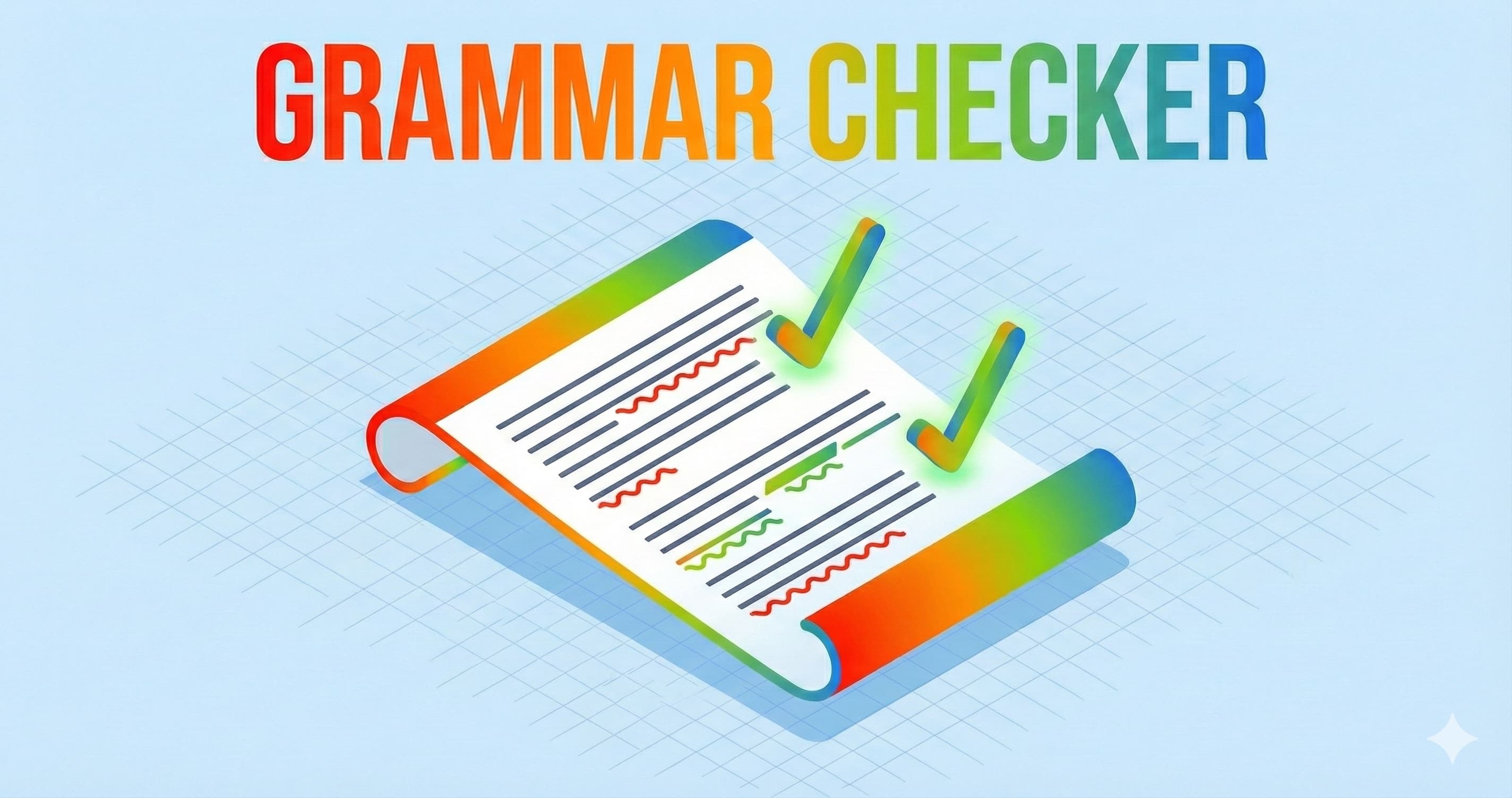


I was dictating an email last week without thinking. I was in a rush, pacing around my office, speaking directly into my laptop. The transcription came through fast, but it looked like a toddler had written it. Fragments everywhere. A comma that should have been a period. Words that technically made sense but sounded like I didn't know how to speak English.
This is the core problem with voice-to-text tools. They're designed to transcribe accurately, but transcription accuracy and grammatical correctness are two different things. A dictation tool can capture exactly what you said, word for word, and still produce something that looks unprofessional or downright confusing. Most people who switch to dictation software quickly learn this painful lesson and either go back to typing or spend thirty minutes editing every piece of content they create.
ParrotKey changes this equation. It catches grammar errors as you dictate, fixes them in real-time, and lets you review corrections on the fly. You're not fighting with a cascading mess of edits afterward. You're building clean text from the moment you start speaking.
TLDR
Voice-to-text transcription is accurate but grammatically messy. ParrotKey's built-in grammar checker fixes errors in real-time while you dictate, eliminating most of the editing work traditional dictation requires. The result is professional, clean text from your first draft.
The problem with dictation and autocorrect
Most people assume autocorrect and grammar checking are basically the same thing. They're not. This confusion is why so many dictation tools fall short when it comes to delivering polished text.
Why traditional autocorrect fails voice-to-text
Autocorrect is reactive. It watches for patterns it recognizes (like misspelled words) and swaps them with corrections. This works fine for typos. If you type "teh," autocorrect changes it to "the." Simple.
Voice-to-text generates different kinds of errors. Your speech might be perfectly clear, but the software might transcribe "to" instead of "too," or "their" instead of "there." These aren't typos. They're homophone problems. Your speech engine heard the right sound and picked a word that matches it phonetically, but the wrong one contextually.
Autocorrect doesn't catch these issues because there's nothing flagged as misspelled. The word exists in the dictionary. It's the wrong word for what you meant to say.
Beyond homophones, dictation creates grammatical chaos that pure autocorrect ignores. You might dictate a sentence fragment. You might include a run-on. You might mix tenses or forget agreement between subject and verb. Autocorrect has no mechanism to address these structural problems because they're not about individual character sequences. They're about sentence-level grammar.
Common dictation errors grammar checkers catch
Real-world dictation produces predictable patterns of error. A grammar checker designed for voice-to-text knows what to look for.
Missing punctuation tops the list. When you speak naturally, you pause and shift your tone to signal where a period should go. Software can infer some of this, but it gets it wrong surprisingly often. You end up with long strings of clauses that should be separate sentences.
Sentence fragments are common too. You start talking and your thought shifts mid-sentence. The result is something that reads like a placeholder, not finished text.
Subject-verb disagreement happens when you change your mind mid-utterance. "The team are meeting tomorrow" slips out when you meant "The team is meeting tomorrow." A grammar checker catches this.
Tense inconsistency is another big one. You're dictating a story or an email, and halfway through you slip from past tense to present tense. Your ears don't always catch this while you're speaking, but it jumps out in the written result.
Homophones (to/too/two, their/there/they're, its/it's) appear in dictated text with frustrating regularity. A good grammar checker understands context and can fix these.
Here's how autocorrect and grammar checking stack up for voice-to-text work:
| Feature | Autocorrect | Grammar checker |
|---|---|---|
| Fixes misspelled words | Yes | Yes |
| Catches homophone errors | No | Yes |
| Detects sentence fragments | No | Yes |
| Fixes subject-verb disagreement | No | Yes |
| Corrects tense inconsistency | No | Yes |
| Addresses punctuation issues | Limited | Yes |
| Understands context | No | Yes |
| Works with multiple languages | Limited | Yes (ParrotKey: 50+) |
How ParrotKey's grammar checker actually works
The difference between ParrotKey and other dictation tools comes down to this: ParrotKey doesn't treat grammar checking as an afterthought. It's baked into the dictation process itself.
Real-time detection
As you speak, ParrotKey transcribes your words. That's the first layer. But simultaneously, it's running grammar analysis on the text as it builds. The system isn't waiting for you to finish speaking and then checking. It's working in parallel, catching issues as they form.
This matters psychologically and practically. You see a correction suggestion pop up while you're still thinking about what you said. You can approve it, reject it, or dictate an alternative on the spot. You're not in edit mode later, reading through a finished document with fresh eyes trying to remember what you meant to say.
The real-time layer also means fewer errors compound. A single grammatical mistake early in a sentence sometimes creates cascading problems. Fixing the first issue prevents the second one from forming.
Context-aware correction
ParrotKey doesn't match patterns blindly. It understands the context around your words. When it flags a homophone, it looks at what you wrote before and after to determine which version is correct. "I want to go to the store" gets each "to" confirmed as correct because the context makes the meaning clear.
This is why a simple autocorrect can't handle this work. Autocorrect is pattern-based. Grammar checking needs language understanding.
The context awareness extends to less obvious problems too. If you've been writing in past tense and you shift to present tense mid-paragraph, ParrotKey notices the shift and suggests a correction. It's not about rule-following. It's about recognizing that your writing should be internally consistent.
One-click acceptance
Every correction ParrotKey suggests comes with a simple approval flow. You see the error, you see the suggested fix, and you click to accept it or dismiss it. The interface is designed so you're not bogged down in explanations or forced to make decisions through confusing menus.
Some suggestions are bulletproof. "They're" vs "their" in a sentence with clear context is straightforward. Other suggestions might be more subjective. Maybe you chose a sentence fragment intentionally for stylistic effect. You want to keep it. One click and you're past it. The grammar checker doesn't fight you. It suggests, you decide.
Real workflows where this changes everything
The grammar checker shines in specific contexts. Let me walk through a few where I see this make the biggest difference.
Email that needs to sound professional
A lot of people love dictation for email. You can speak a message three times faster than you can type it, especially if you're multitasking or away from your desk.
The problem has always been the friction between speed and professionalism. You get a fast draft, but it doesn't sound polished. It sounds like transcribed speech. So you spend fifteen minutes editing it anyway, and you've lost the speed advantage.
ParrotKey collapses this friction. You dictate your email. The grammar checker catches the fragments and tense shifts and missing punctuation while you're still fresh in that moment. By the time you hit send, the email sounds like something you sat down and thoughtfully typed.
I've tested this in real scenarios. An email I dictated in two minutes, with grammar checking, required maybe two minutes of polish afterward. The same email without grammar checking would have needed five or six minutes of rework.
If you want to try this yourself, ParrotKey is free to download and works on both Mac and Windows. The grammar correction is part of the core feature set, not a paid add-on.
Content creation at speed
Writers who use dictation often do so because they can get ideas out faster when speaking than when typing. But grammar errors in the draft kill momentum. You finish a section, you read it back, you cringe at the mistakes, and your creative flow stalls.
With real-time grammar correction, you're not dealing with that friction. You finish dictating a paragraph. You glance at the text. It looks clean. You move to the next section without that moment of "ugh, I need to fix this first."
For content creators working on tight deadlines, this is a real efficiency gain. You're not dictating faster. You're avoiding the mental context-switch that comes with encountering errors in your own work.
Customer support tickets and messages
Customer support teams often dictate responses because they're handling multiple conversations and talking through your answer is faster than composing it on a keyboard. But support messages need to be professional and clear. An error-filled response to a customer issue looks careless, even if the underlying solution is solid.
ParrotKey's grammar checker means your team can keep the speed advantage of dictation without sacrificing professionalism. A support agent dictates a response in ninety seconds, ParrotKey cleans up the grammar, and the message goes out polished.
You can test ParrotKey's grammar correction on your own workflow. It takes about two minutes to set up, and you'll know immediately if it fits what you do.
Grammar checker vs. traditional editing
The conventional workflow for dictation has always been: dictate, transcribe, edit. This adds a separate step to your process. You're not writing your thoughts anymore. You're speaking them, then sitting down and doing traditional copyediting work.
ParrotKey collapses this into: dictate, approve corrections, done.
Here's what this actually saves you:
| Task | Manual editing | ParrotKey |
|---|---|---|
| Dictation time | 2 min | 2 min |
| Waiting for transcription | 0-5 sec | 0-5 sec |
| Grammar review and fixes | 5-10 min | 1-2 min (clicking approve) |
| Reading for sense and style | 2-3 min | 2-3 min (optional) |
| Total workflow time | 9-18 min | 5-7 min |
The time savings are real, but the bigger win is cognitive. You're not shifting between dictation mode and editing mode. You stay in the moment, reviewing corrections as the text builds.
Manual editing often happens hours later. By that point, you've forgotten nuances about what you meant. You're trying to infer your own intent from text you wrote earlier. ParrotKey keeps everything in the moment. You dictate, you see the corrections immediately, and you approve or reject them while context is fresh.
Get clean text from your dictation
The voice-to-text tools that are out there now solve the transcription problem. They're accurate at capturing what you say. But they don't solve the presentation problem. What comes out is technically correct in terms of recognizing your words, but grammatically rough.
ParrotKey bridges that gap. It transcribes accurately and corrects grammar in real-time. You get to the finish line faster because you're not spending half your time fixing fragments and tense shifts and misplaced homophones.
Try ParrotKey today. It's free to download for Mac and Windows, and you'll see the difference the grammar checker makes on your first email or document.

 Commencez gratuitement